





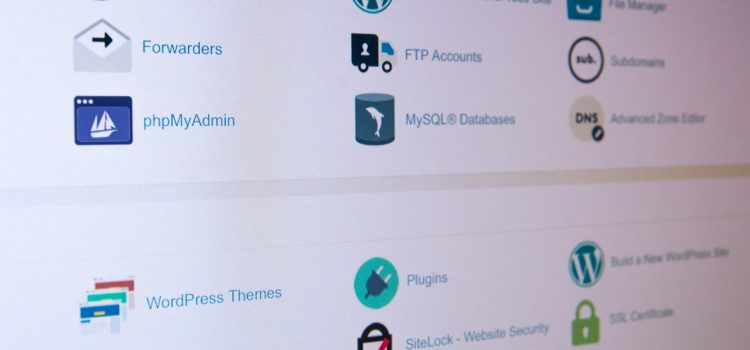
The backup process is a crucial aspect of any website hosting platform, and cPanel is no exception. cPanel is a popular web hosting control panel that provides a user-friendly interface for managing websites, databases, email accounts, and more. However, despite its popularity, the backup process in cPanel has some areas that require improvement. In this article, we’ll discuss some of the areas that need improvement in the backup process in cPanel and how they can be addressed.
Limited Backup Options
One of the most significant limitations of the backup process in cPanel is the limited backup options available to users. Currently, cPanel only offers two backup options: Full Backup and Home Directory Backup. Full Backup includes all files, databases, and email accounts associated with a website, while Home Directory Backup only includes the website files. These limited backup options may not be enough for some users, who may want to backup specific files or databases only. This can lead to a longer backup time and larger backup file size, making it more difficult for users to manage their backups effectively.
Lack of Flexibility
Another limitation of the backup process in cPanel is the lack of flexibility in scheduling and managing backups. Currently, cPanel only allows users to schedule backups on a weekly or monthly basis. This lack of flexibility can be a problem for websites with large amounts of data that need to be backed up more frequently. Additionally, users are unable to choose which files or databases to include in their backups, which can result in larger backup file sizes and longer backup times.
Poor Backup and Restore Performance
Another area that requires improvement in the backup process in cPanel is the performance of the backup and restore processes. Backups in cPanel can take a significant amount of time to complete, especially for large websites. Additionally, restoring a backup can also take a long time, which can be frustrating for users who need to quickly restore their website in case of an issue. This poor performance can lead to extended downtime for websites and can cause significant inconvenience for users.
Lack of Automatic Backup Options
Finally, another area that needs improvement in the backup process in cPanel is the lack of automatic backup options. Currently, users must manually initiate backups, and there is no option for automatic backups. This can be a problem for users who forget to initiate backups, or who are unable to initiate backups due to technical issues. In these cases, the website data may not be backed up, which can lead to significant data loss in case of an issue.
In conclusion, the backup process in cPanel is a crucial aspect of website hosting, and improvements are required to make it more effective and efficient. Some of the areas that need improvement include limited backup options, lack of flexibility, poor backup and restore performance, and lack of automatic backup options. By addressing these issues, cPanel can provide a more robust backup process for users, reducing the risk of data loss and improving the overall user experience.